Introduction to Microtica
Microtica is a self-service cloud delivery platform. Build infrastructure, deploy apps to Kubernetes, and manage cost and monitoring from one place.
👋 Welcome to Microtica. We're glad you're here. These pages walk you from your first deployment to running production workloads on your own cloud.
Microtica is a self-service cloud delivery platform for companies and individuals. It gives you one toolset to build infrastructure and deploy applications to the cloud, so you skip the custom scripts and glue code that cloud operations usually demand.
How Microtica is different
Microtica brings infrastructure and application delivery into a single platform. What sets it apart:
- One toolset: Everything you need is built in — no juggling separate tools or custom scripts.
- Zero maintenance: You build and deploy; Microtica handles the underlying infrastructure.
- Kubernetes-native: Run production-ready infrastructure and application delivery on Kubernetes.
- Ready-to-use components: Set up cloud infrastructure without writing custom code.
- Built-in CI/CD: Full CI/CD in one place.
- Monitoring and cost management: Monitoring and cost optimization come with the platform.
With Microtica, you build cloud infrastructure and ship applications using a single tool.
Core features
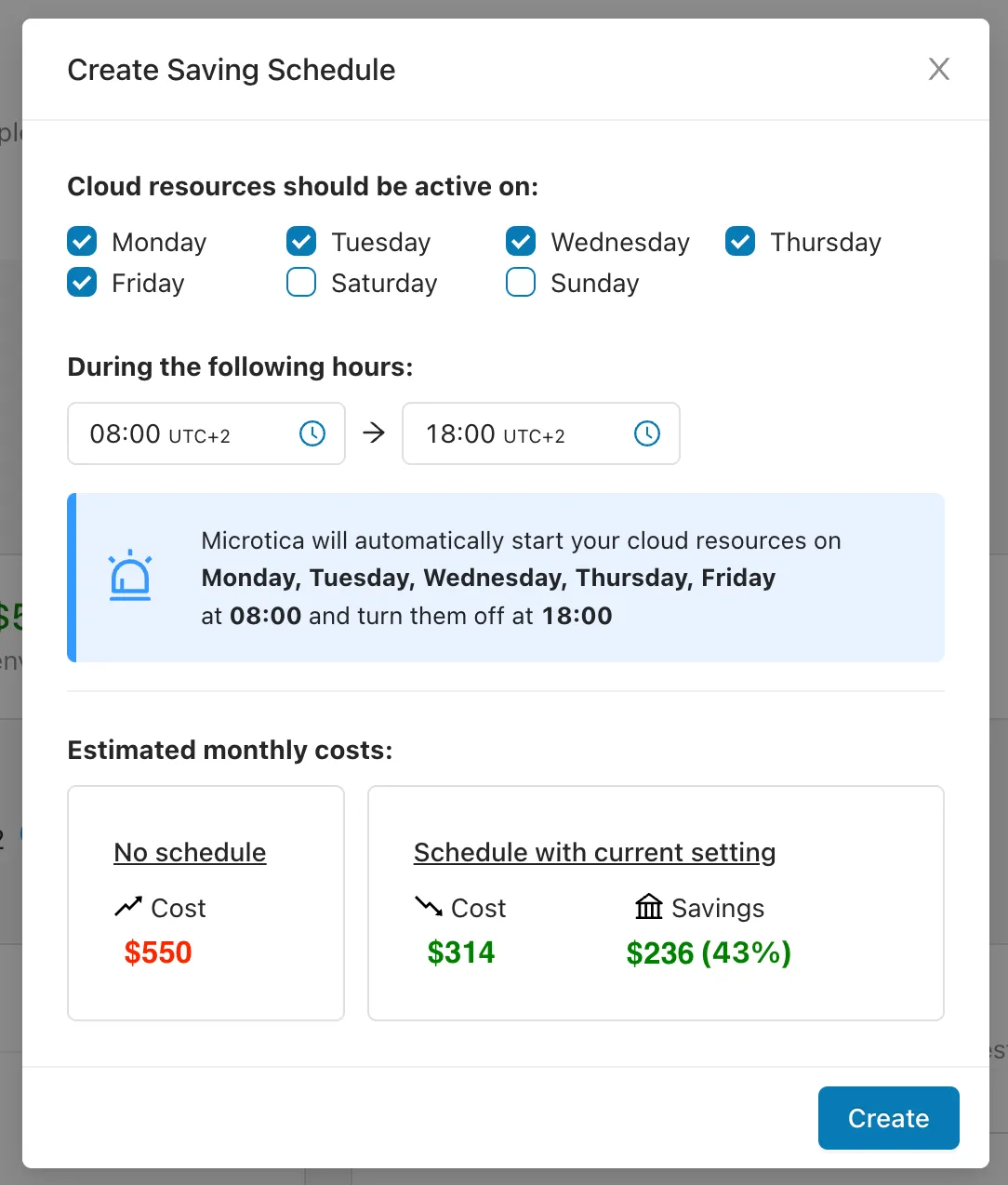
Spin up on-demand infrastructure for your apps with built-in security, monitoring, and scalability. Pick a production-ready template and run it in minutes.
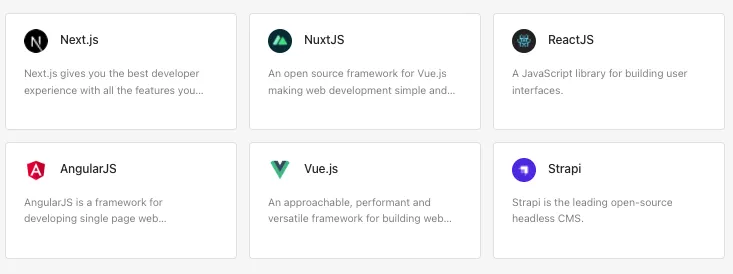
Push your code to Git and your apps deploy to the cloud automatically through the built-in Kubernetes integration.

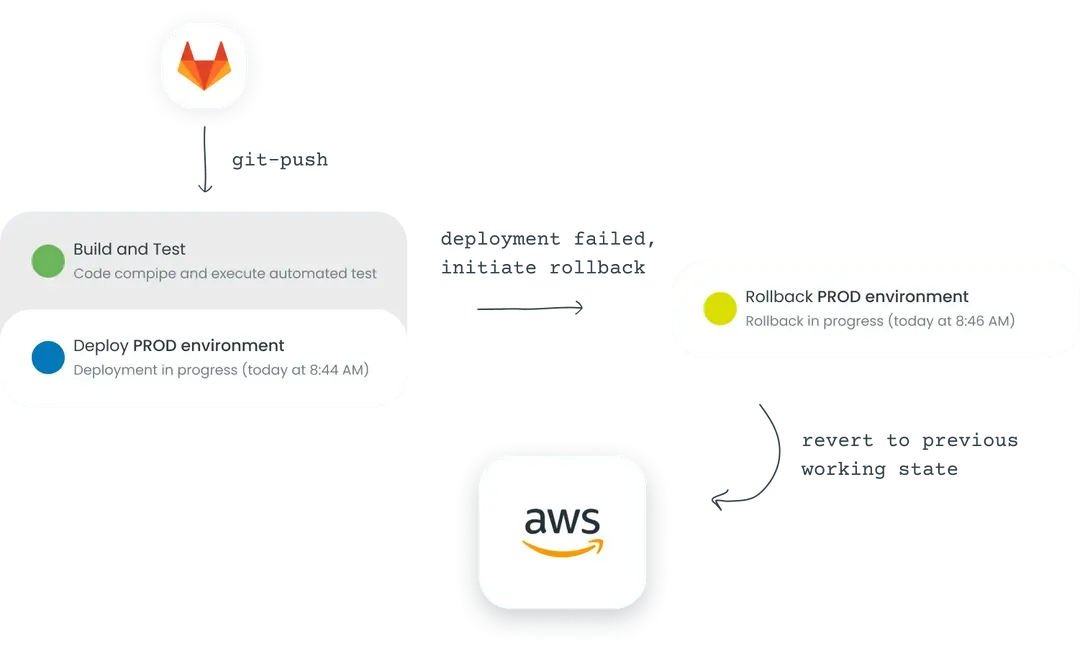
With Git as the single point of reference, rollbacks run automatically when something goes wrong after a deployment.
Change app configs, choose scaling settings, and define and run pipelines — all from the UI. For more complex cases, use the microtica.yaml file in your code.
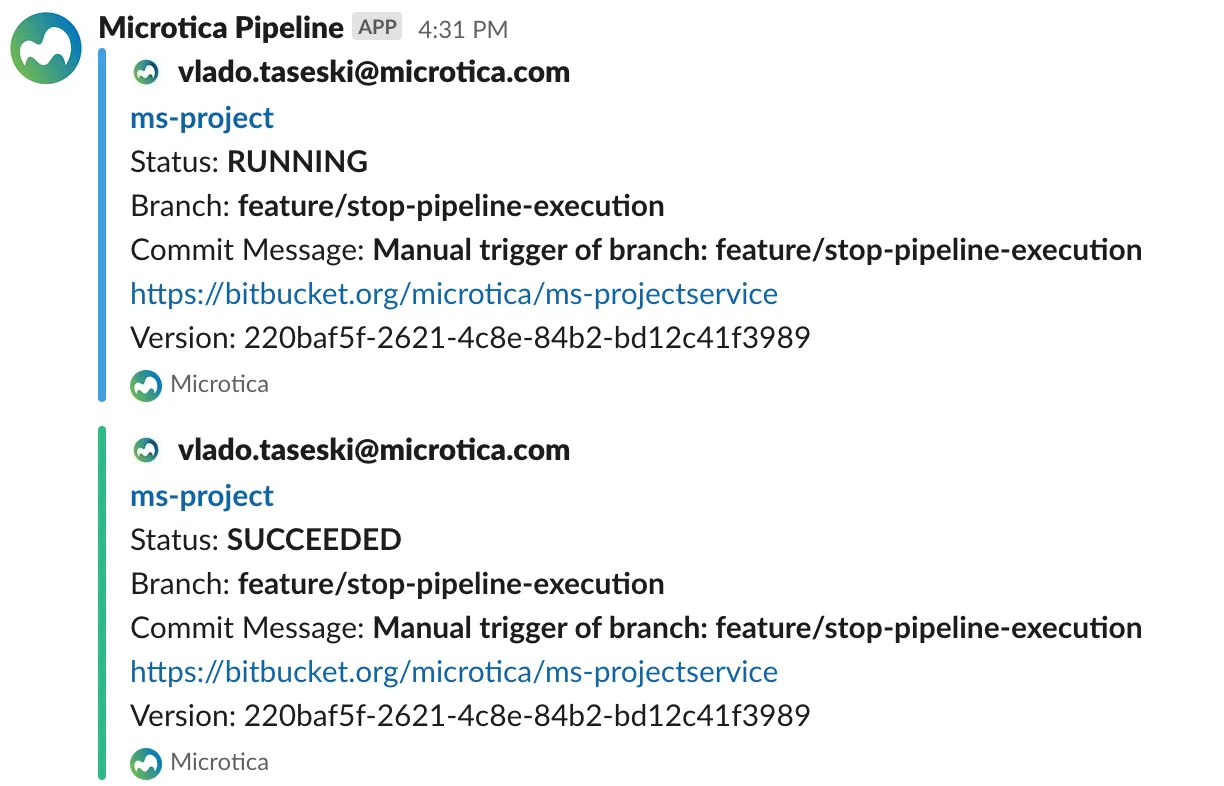
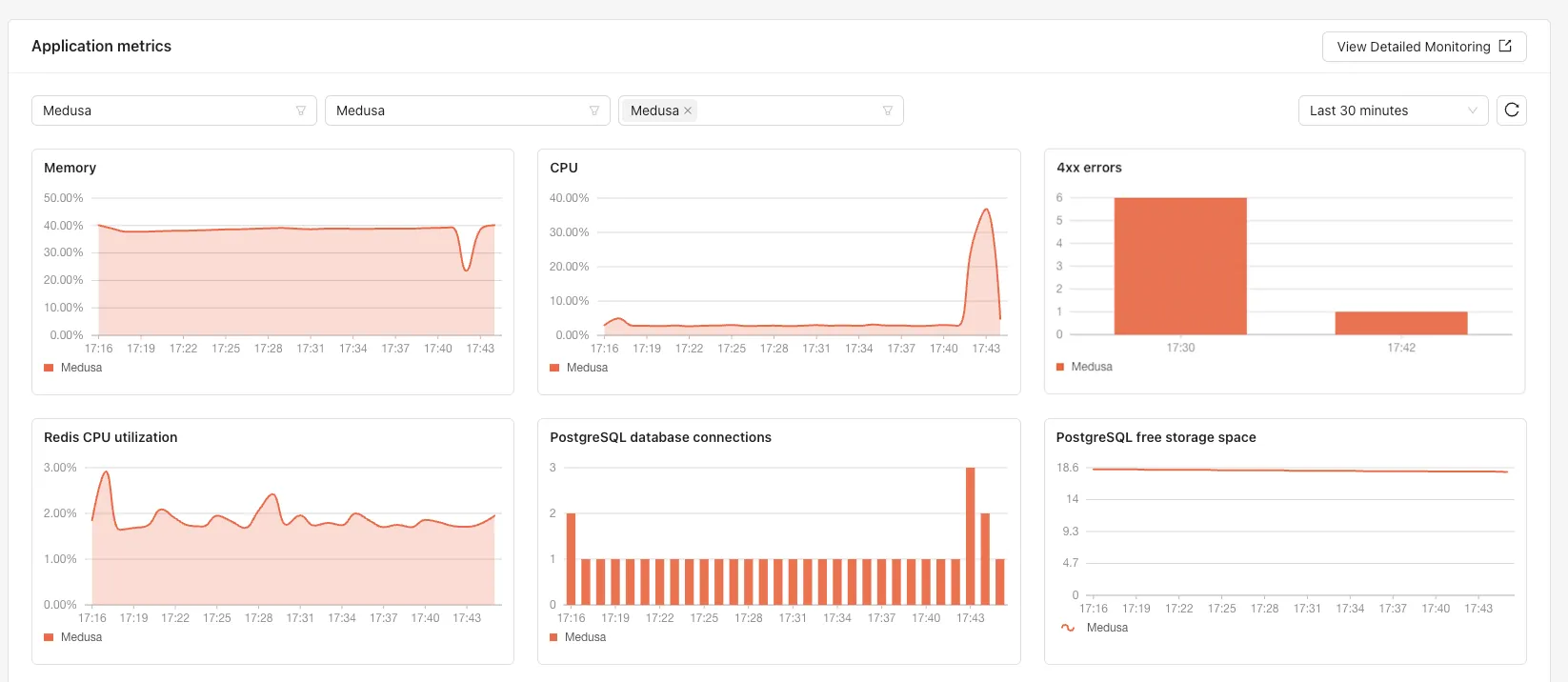
Know the state of your apps and infrastructure at any moment. Follow deployments per environment, app resource consumption, and real-time logs across all your applications or per app. Create custom metrics for your specific business needs.
Alerts and incidents
Microtica alerting helps you catch potential issues early and receive critical incident updates for quick resolution.
Production-ready security
The infrastructure provisioned on your AWS account follows well-architected best practices for security, compliance, and performance. Pipelines include integrated container security scans.
Optimize your cloud resources and cut spending with features like:
- Cloud reports
- Cost explorer
- Cloud waste advisor
- Automated cost saving
- Dedicated cost optimization review