

Cost optimization
Optimize your AWS costs with Microtica: cost reports, waste advisor recommendations, cost exploration dashboards, and automated saving schedules in one place.
Microtica's cloud cost optimization tools help you optimize your AWS costs, improve cost efficiency, and make informed decisions about your cloud resources.
This overview covers the tools included, how Microtica forecasts costs, any associated costs, how to access the feature, and how to connect your AWS account.
What's included
Cloud cost optimization includes:
- cost reports and waste advisor recommendations,
- cost exploration dashboards,
- and automated saving schedules.
Together, these tools help you find cost-saving opportunities, right-size instances, and make data-driven decisions to optimize your AWS spending.
Accessing cost optimization
To use cost optimization, deploy your cloud resources with Microtica. This gives you access to the feature within Microtica.
Covers your whole AWS bill
Cost optimization works for all resources in your AWS account, not just the ones deployed with Microtica. You can save on your entire AWS bill.
Connecting your AWS account
Connecting your AWS account lets Microtica retrieve your AWS cost data. With that data, the feature analyzes your spending patterns and provides insights, recommendations, and cost forecasts.
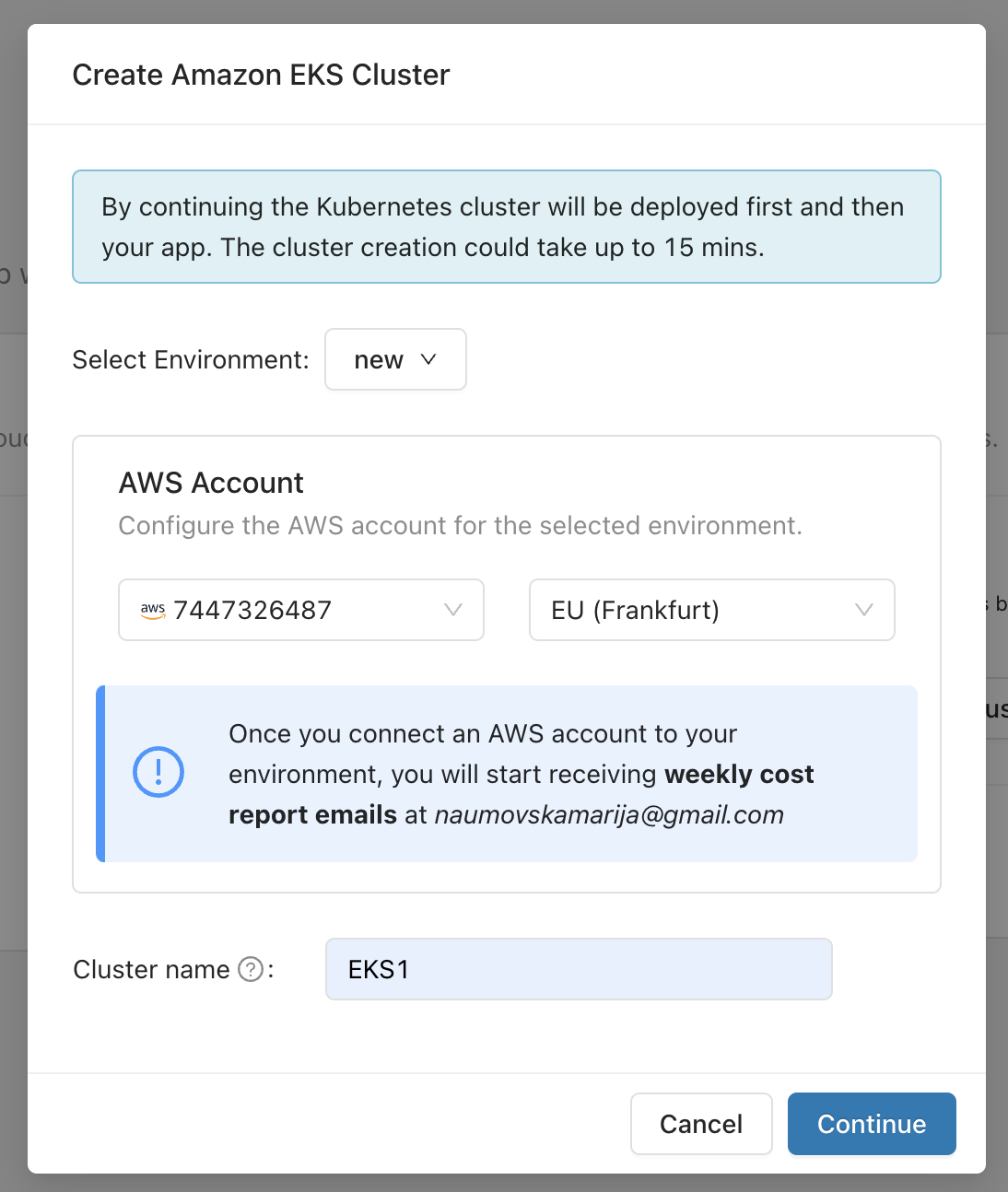
You connect your AWS account when you deploy a template or import an application into Microtica, as part of the three-step process. You are prompted to add an AWS account.
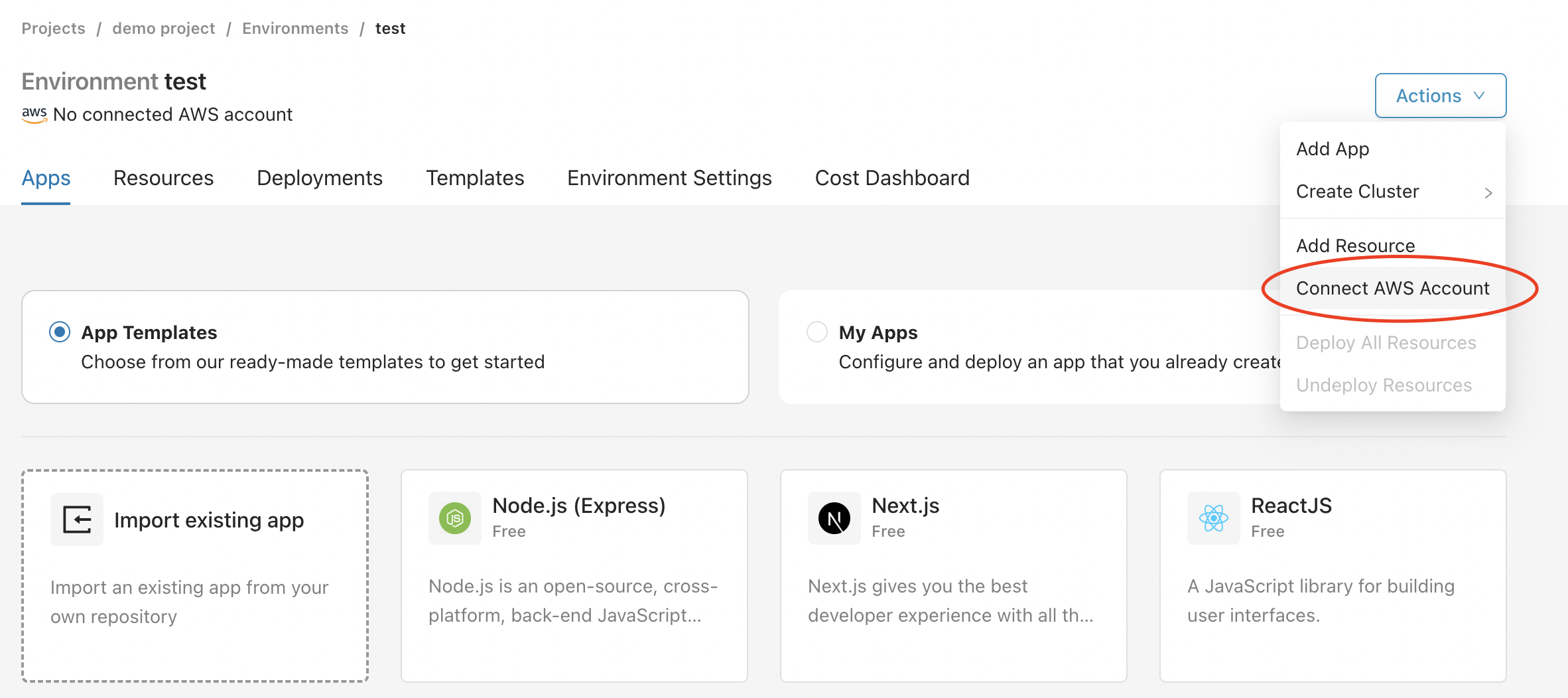
You can also connect your AWS account from an environment: select the Actions button on the right, then click Connect AWS account.
Either action starts the creation of a CloudFormation stack that gives Microtica permission to provision infrastructure on your AWS account. Once you create the stack, the connection is established automatically.
For more details, see Connect an AWS account.
Permissions for cost optimization
To see exactly which permissions Microtica needs for cost optimization, review the CloudFormation stack.
Additional cost
Cost optimization is available to all Microtica users and is included in the self-service pricing plans. Cost optimization should be accessible to everyone, so it's part of the platform at no extra cost.
Next steps
Metrics
Monitor Kubernetes and custom AWS service metrics in Microtica, set alarms on thresholds, and learn how each metric is calculated to troubleshoot faster.
Cost reports
Get weekly or monthly AWS cost reports in Microtica, with month-to-date and estimated costs, cost by account, waste advisor flags, and new resources.